

Wéi bestellen an ophuelen
Wéi bestellt een Internet fir Japan
E Pocket WiFi Router während Ärem Openthalt a Japan ze hunn ass super nëtzlech a praktesch. Wann Dir als Koppel, Famill oder eng Grupp vu Frënn reest, spuert Dir vill Sue mat engem Pocket Router amplaz individuell SIM Kaarten ze kafen, well 5 Apparater kënne gläichzäiteg verbonne sinn an den Internet benotzen.
Elo bestellen a 10% spuerenÄre Pocket WiFi ofhuelen
Dir kënnt Äre Pocket WiFi Router op de meeschten groussen Fluchhäfen, am Ninja WiFi Büro zu Shinjuku, ofhuelen oder et virun Ärer Arrivée an Ären Hotel liwweren loossen. Am bequemsten ass et um Fluchhafen ofzehuelen, et dauert just e puer Minutten wann et am Viraus bestallt ass an Dir hutt direkt Zougang zum Internet.
Bestellt Äre Pocket WiFi Router
Bestellt Äre Router bei Ninja WiFi mat eisem Remise Code. Mir recommandéieren Äre Router um Comptoir op Ärem Fluchhafen ofzehuelen, well et Iech hëlleft vum Fluchhafen aus ze navigéieren an Zäitpläng, Bussen an Zich ze kontrolléieren. Et ass méi deier ouni Reservatioun ze lounen, gitt sécher Är Reservatioun ze maachen ier Dir op Japan reest a kritt zousätzlech 10% Remise op Är Reservatioun mat eisem Remise Code.
Visit your chosen pick-up location
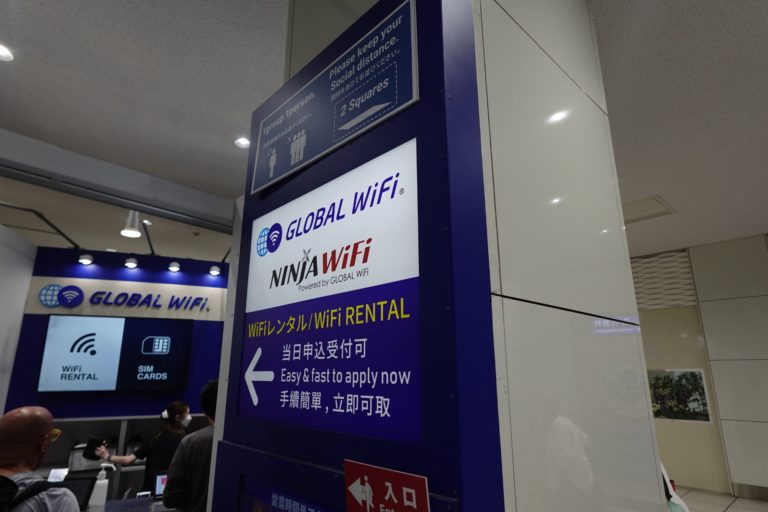
Head towards the desk at your pre-selected pick-up location (major airports like Haneda, Narita, Kansai) and talk to the staff. The queues are normally very short as it's a very fast pick-up process.
Collect your Pocket Internet
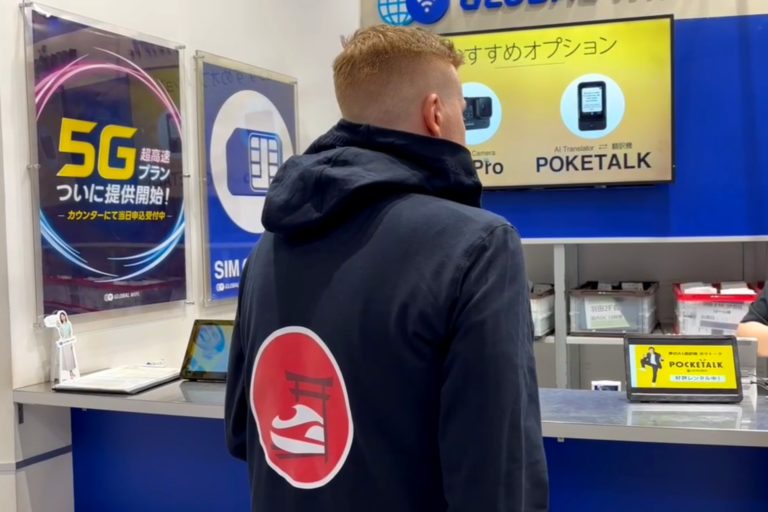
Your Pocket WiFi router will already be prepared and ready to be picked up when you land. The staff will show you how to connect your devices and how to get started, it's super easy!
What's in the package?
Your Pocket WiFi Router from Ninja WiFi will come fully stocked with everything you need during your stay. The WiFi Router, a charger, documentation, a pouch if you've chosen to drop off at a convenience store or hotel, shipping label and much more.
First look at the case
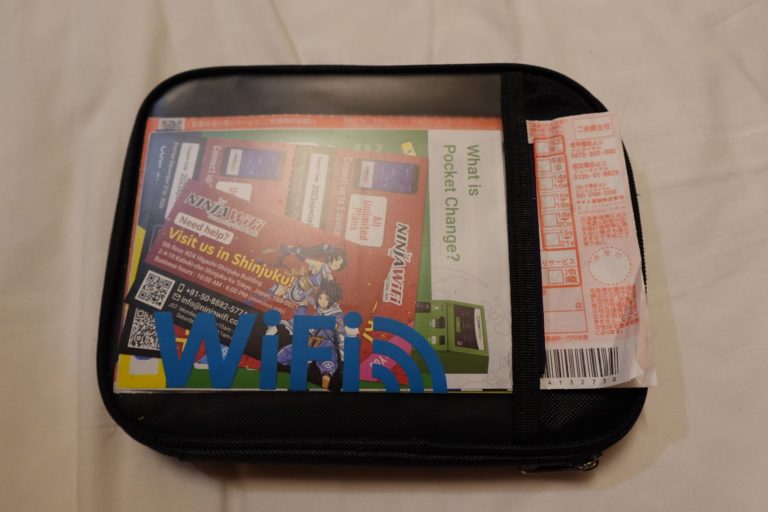
This is how your pocket WiFi is collected, covered in a soft case with all needed accessories and guides on how to use and connect devices.
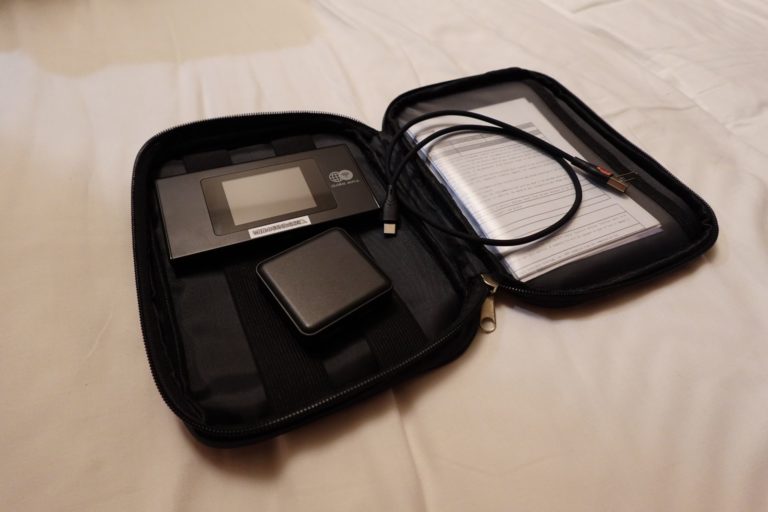
Inside the case
Once opened you will find the Pocket WiFi router, your charger and cable as well as your order details and some folders with information and guides. You don't have to carry around the case during the day. The battery will be enough for the day, just bring the Pocket Router and you're good to go!
How can I return my router?
Ninja WiFi have made it very easy to return your rented Pocket WiFi Router, you can either drop it off at the airport at a special return box, drop it off at a convenience store, hotel/hostel or drop it off at their office in Shinjuku.
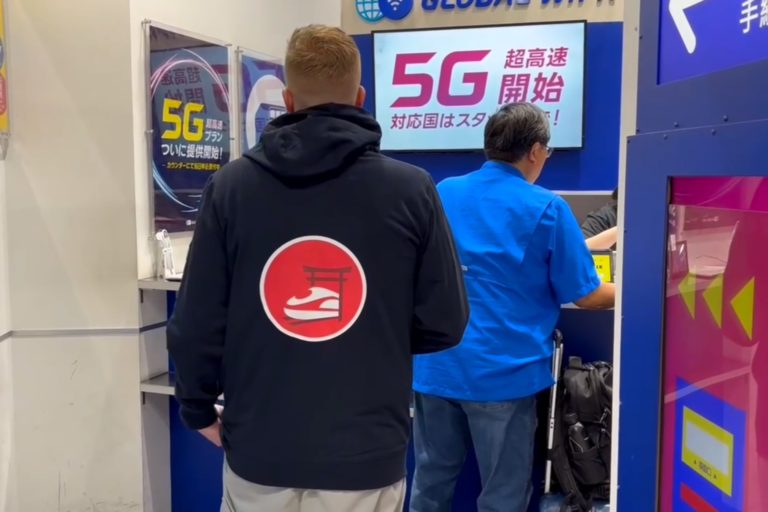
Return at the airport
Just put everything back in the cover case and insert the case in the mailbox looking boxes next to the pick-up counter at the airport. Just leave it in there, you don't have to talk to the staff or queue up to return the router.
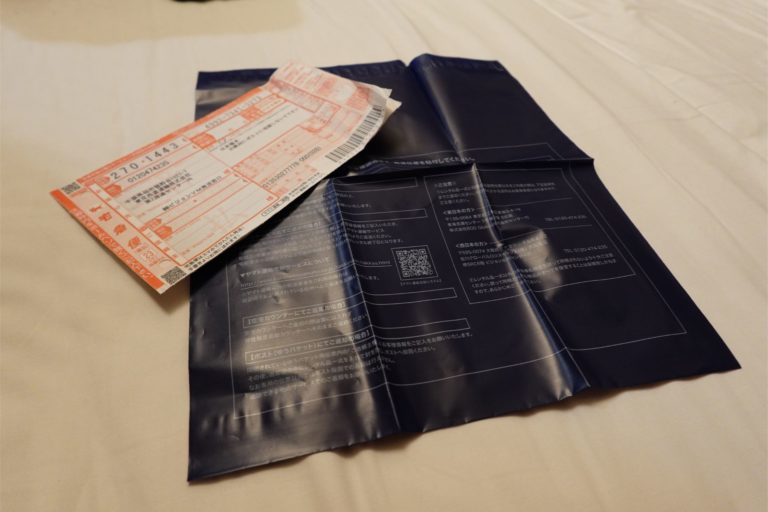
Return at hotels or stores
You can choose to return the pocket router at any Family Mart and 7-Eleven while on the run, or have your hotel or hostel send it for you. Most hotels offer the service and will help you fill out the form. Simply put everything in the cover and insert the cover into the included plastic pouch and seal it. This service costs 550 JPY including tax.

Return at Shinjuku office
The office is located very central and found in Kabukicho, Shinjuku. This office offers same day reservation and pick-up (not possible with hotel delivery or airport pick-up). Their office is open from 10:00 - 18:00 on workdays. KDX Higashi Shinjuku Building 5F, 2-4-10 Kabuki-cho, Shinjuku-ku, Tokyo.
How do I use the Pocket Router?
It's super easy, and you'll get connected in just a couple of seconds!
Start the display
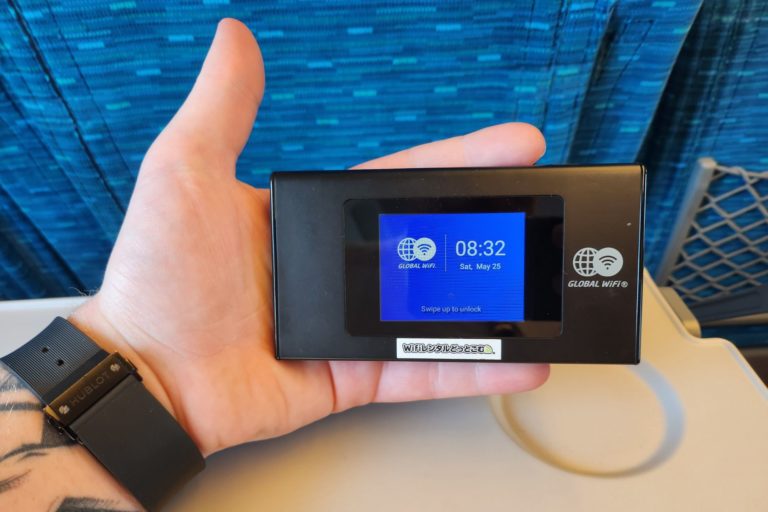
There's a button at the top of the device which will unlock and open the screen. The USB-C charge port is located on the underside of the device for easy and fast charging.
Slide up from the bottom
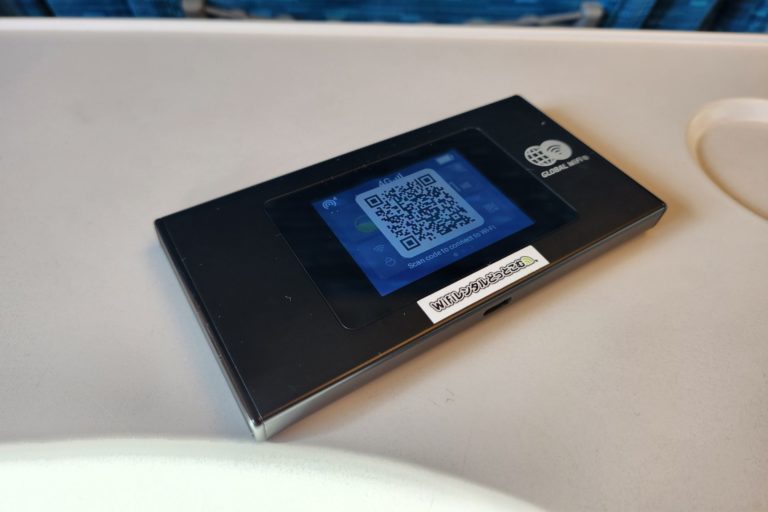
Once the screen shows up, you can slide from the bottom to unlock the device. You'll see how much data you use, connection, battery life, router password, optimization programs and much more. Press the QR Code icon to display the QR Code for super-easy connection.
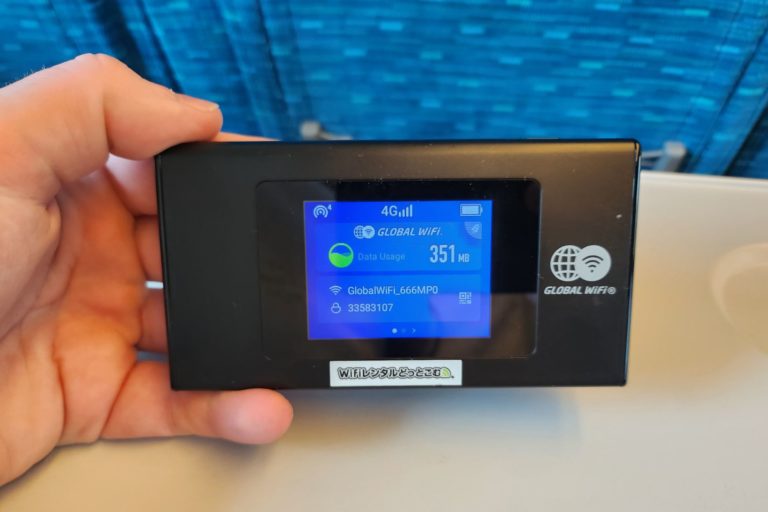
Scan the QR code
You can either simply scan the code and have it connect automatically. Android users may scan with the camera, iPhone users may have to enter settings > WiFi > QR code to scan the code. You can also connect to it as normal with the password shown on the screen.
Stay connected on your trips
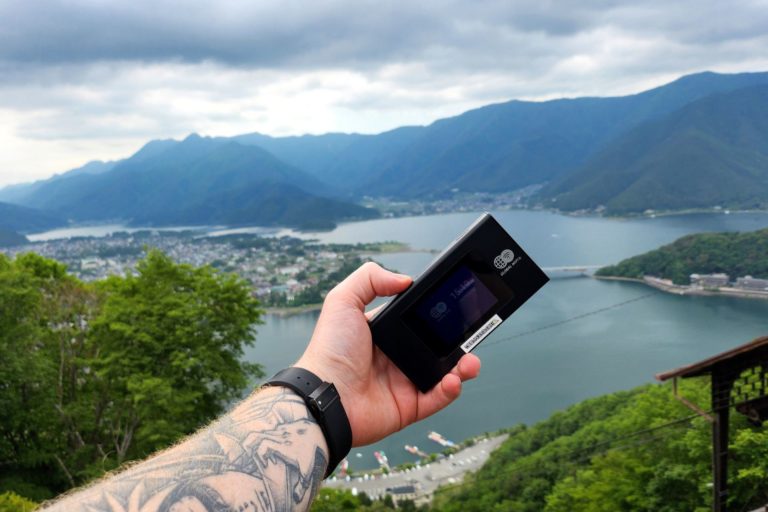
You're connected, Japan awaits and you're ready to explore this fantastic country. With internet access you're able to share your pictures with friends and family, use Google Maps, check timetables and other related apps. You can surf the internet and social media, just like home without any limitations.
Use on Shinkansen
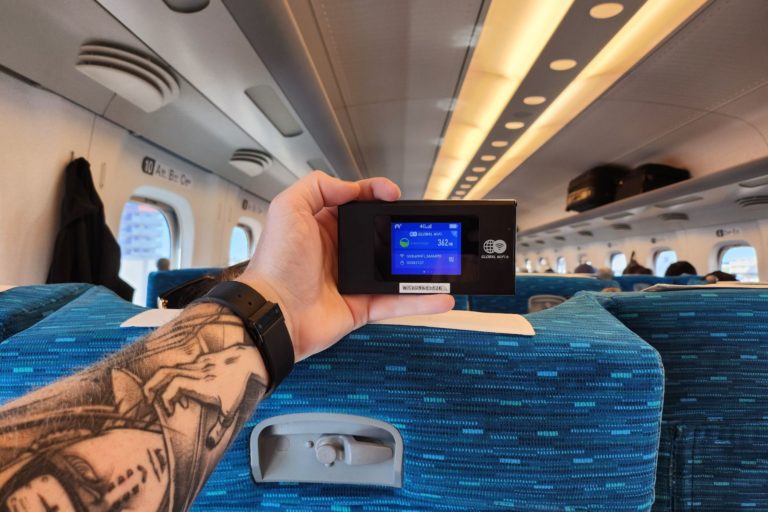
The free internet on Shinkansen super-express trains is very slow. Having your own internet will allow you to watch TikTok, YouTube, Netflix and other social media platforms without any downtime. The free WiFi on the train will barely load Instagram images while you scroll.
Ready to order?
Get connected for your Japan adventure.