

Quomodo iubere et colligere
Quomodo interrete in Iaponiam iubes
Habere iteratori Pocket WiFi in mora tua in Iaponia valde utile et commodum est. Si in itinere es cum socio, familia vel coetu amicorum, multam pecuniam in iteratore Pocket servabis, pro singulis SIM chartis obtinendis, cum 5 machinae simul coniungi possint et interrete uti.
Nunc iube et 10% servaTua Pocket WiFi collige
Tu eligere potes router tuum Pocket WiFi colligere apud pleraque aëroportus maiores, apud officium Ninja WiFi in Shinjuku, vel antequam pervenias ad deversorium tuum praemisit. Conveniens magis est colligere apud aëroportum, tantum paucis minuta si antea iubetur, et accessum ad interrete statim concedet.
Order your Pocket WiFi Router
Order your router from Ninja WiFi with our discount code. We recommend picking up your router at the desk at your airport, as it will help you navigate from the airport and check timetables, buses and trains. It's more expensive to rent without reservation, make sure to reserve your booking before you travel to Japan and get an additional 10% off your booking with our discount code.
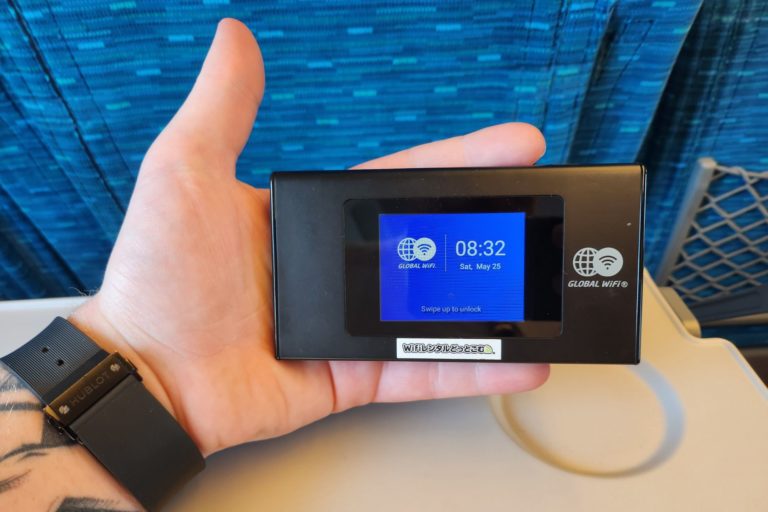
Visit your chosen pick-up location
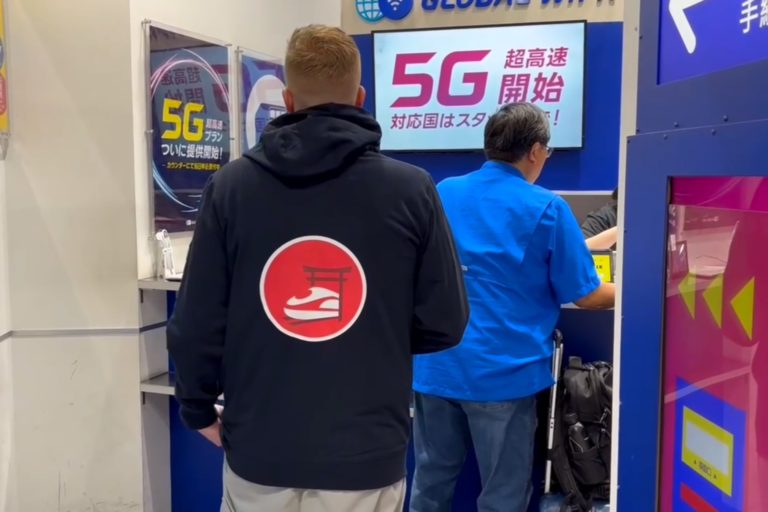
Head towards the desk at your pre-selected pick-up location (major airports like Haneda, Narita, Kansai) and talk to the staff. The queues are normally very short as it's a very fast pick-up process.
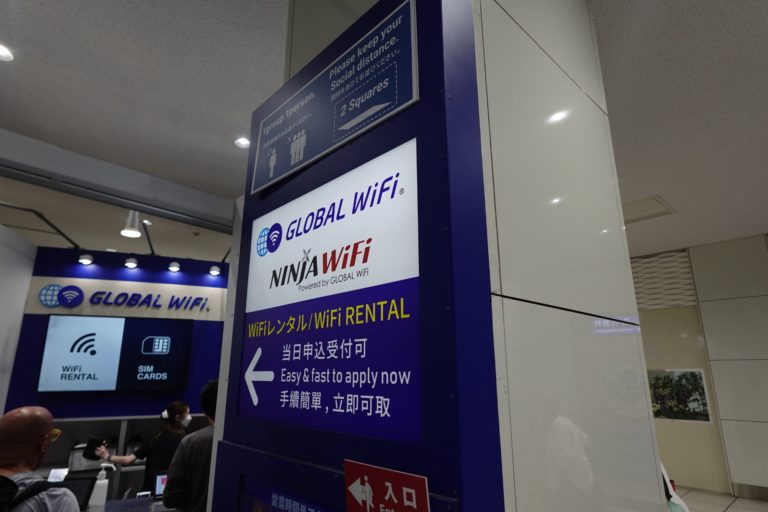
Collect your Pocket Internet
Your Pocket WiFi router will already be prepared and ready to be picked up when you land. The staff will show you how to connect your devices and how to get started, it's super easy!
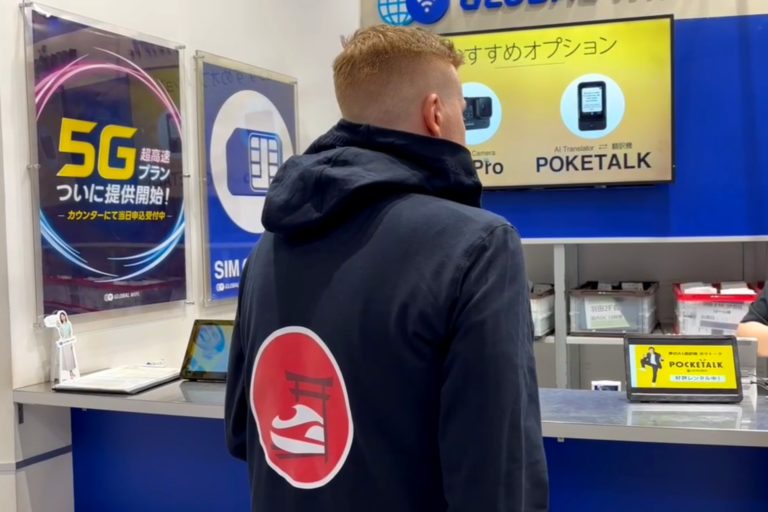
What's in the package?
Your Pocket WiFi Router from Ninja WiFi will come fully stocked with everything you need during your stay. The WiFi Router, a charger, documentation, a pouch if you've chosen to drop off at a convenience store or hotel, shipping label and much more.
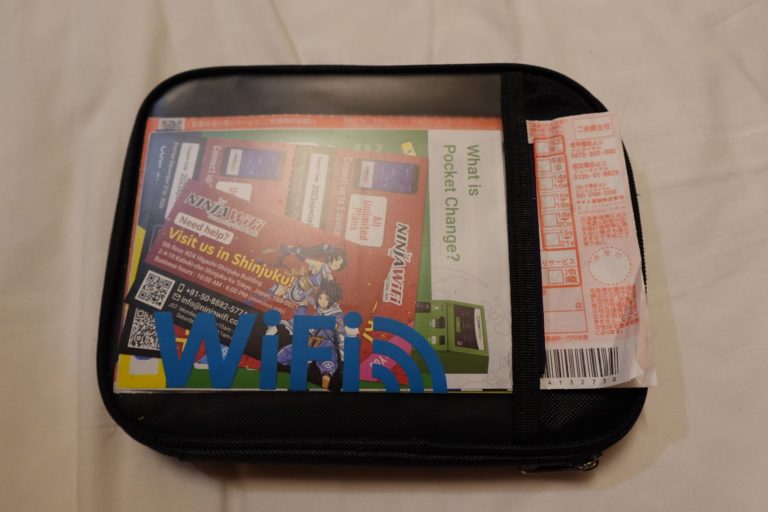
First look at the case
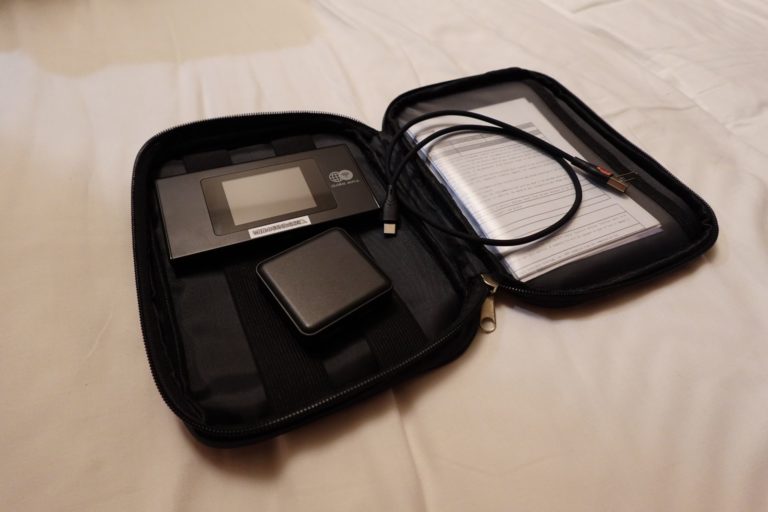
This is how your pocket WiFi is collected, covered in a soft case with all needed accessories and guides on how to use and connect devices.
Inside the case
Once opened you will find the Pocket WiFi router, your charger and cable as well as your order details and some folders with information and guides. You don't have to carry around the case during the day. The battery will be enough for the day, just bring the Pocket Router and you're good to go!
How can I return my router?
Ninja WiFi have made it very easy to return your rented Pocket WiFi Router, you can either drop it off at the airport at a special return box, drop it off at a convenience store, hotel/hostel or drop it off at their office in Shinjuku.
Return at the airport
Just put everything back in the cover case and insert the case in the mailbox looking boxes next to the pick-up counter at the airport. Just leave it in there, you don't have to talk to the staff or queue up to return the router.
Return at hotels or stores
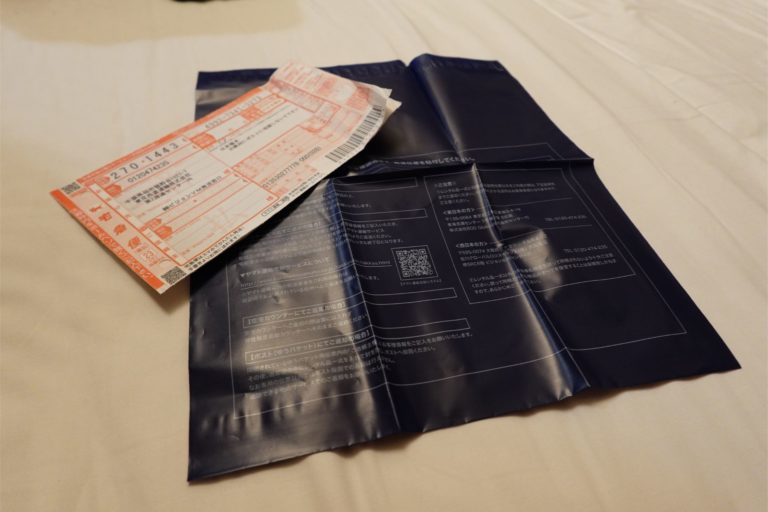
You can choose to return the pocket router at any Family Mart and 7-Eleven while on the run, or have your hotel or hostel send it for you. Most hotels offer the service and will help you fill out the form. Simply put everything in the cover and insert the cover into the included plastic pouch and seal it. This service costs 550 JPY including tax.

Return at Shinjuku office
The office is located very central and found in Kabukicho, Shinjuku. This office offers same day reservation and pick-up (not possible with hotel delivery or airport pick-up). Their office is open from 10:00 - 18:00 on workdays. KDX Higashi Shinjuku Building 5F, 2-4-10 Kabuki-cho, Shinjuku-ku, Tokyo.
How do I use the Pocket Router?
It's super easy, and you'll get connected in just a couple of seconds!
Start the display
There's a button at the top of the device which will unlock and open the screen. The USB-C charge port is located on the underside of the device for easy and fast charging.
Slide up from the bottom
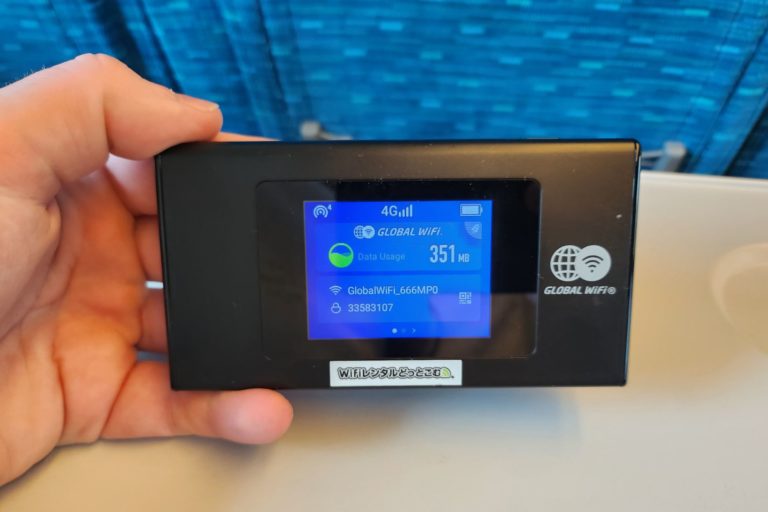
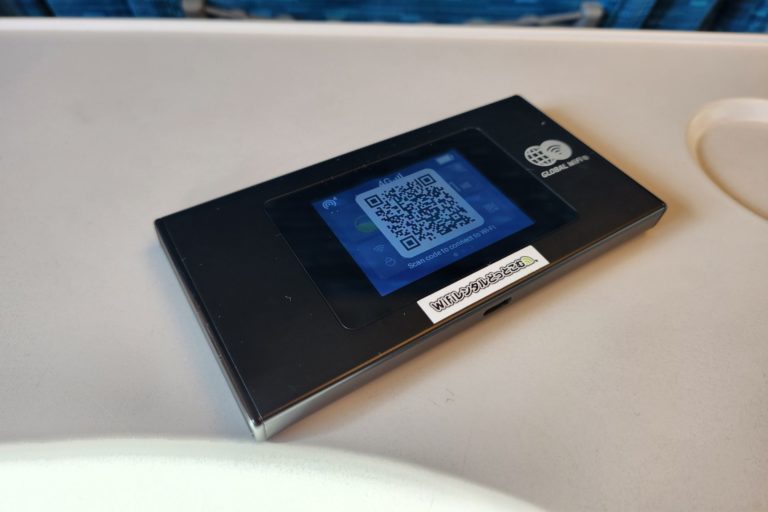
Once the screen shows up, you can slide from the bottom to unlock the device. You'll see how much data you use, connection, battery life, router password, optimization programs and much more. Press the QR Code icon to display the QR Code for super-easy connection.
Scan the QR code
You can either simply scan the code and have it connect automatically. Android users may scan with the camera, iPhone users may have to enter settings > WiFi > QR code to scan the code. You can also connect to it as normal with the password shown on the screen.
Stay connected on your trips
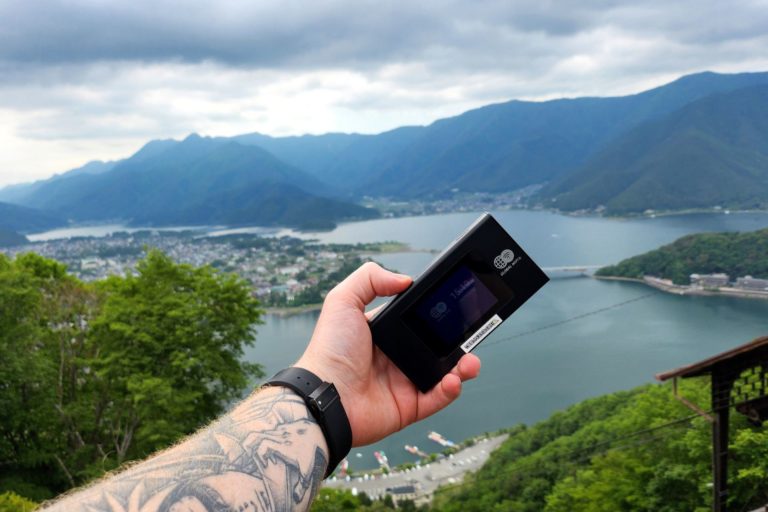
You're connected, Japan awaits and you're ready to explore this fantastic country. With internet access you're able to share your pictures with friends and family, use Google Maps, check timetables and other related apps. You can surf the internet and social media, just like home without any limitations.
Use on Shinkansen
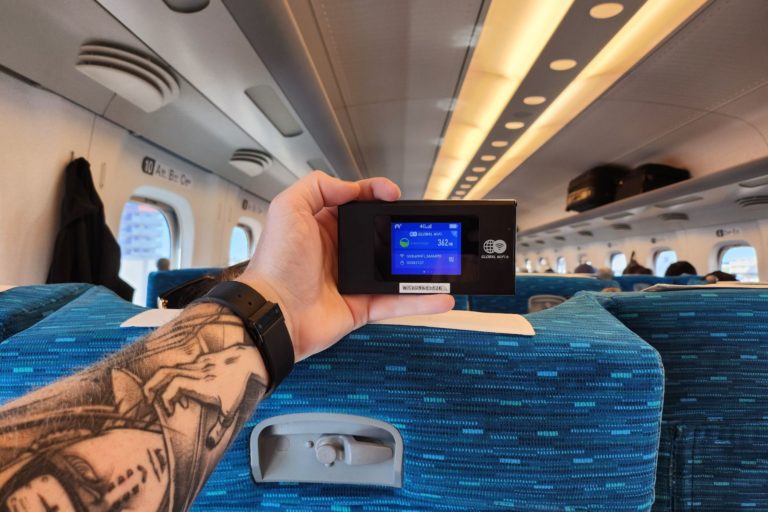
Interrete gratuitum in Shinkansen tramitibus super-expressis lentum est. Habere proprium interrete permittet te spectare TikTok, YouTube, Netflix et alias platformas sociales sine ulla intermissione. WiFi gratuitum in tramine vix apparet imagines Instagram dum pervolvis.
Ready to order?
Get connected for your Japan adventure.