

How to order and collect
How to order internet for Japan
Having a pocket WiFi router during your stay in Japan is super useful and convenient. If you travel as a couple, a family or a group of friends you will save a lot of money on a pocket router instead of getting individual SIM cards as 5 devices can be connected and use the internet at the same time.
Order now and save 10%Collect your Pocket WiFi
You can choose to pick up your Pocket WiFi Router at most major airports, at Ninja WiFi's office in Shinjuku or have it pre-delivered to your hotel before you arrive. Most convenient is to pick it up at the airport, it only takes a couple of minutes if ordered beforehand and will grant you access to internet instantly.
Order your Pocket WiFi Router
Order your router from Ninja WiFi with our discount code. We recommend picking up your router at the desk at your airport, as it will help you navigate from the airport and check timetables, buses and trains. It's more expensive to rent without reservation, make sure to reserve your booking before you travel to Japan and get an additional 10% off your booking with our discount code.
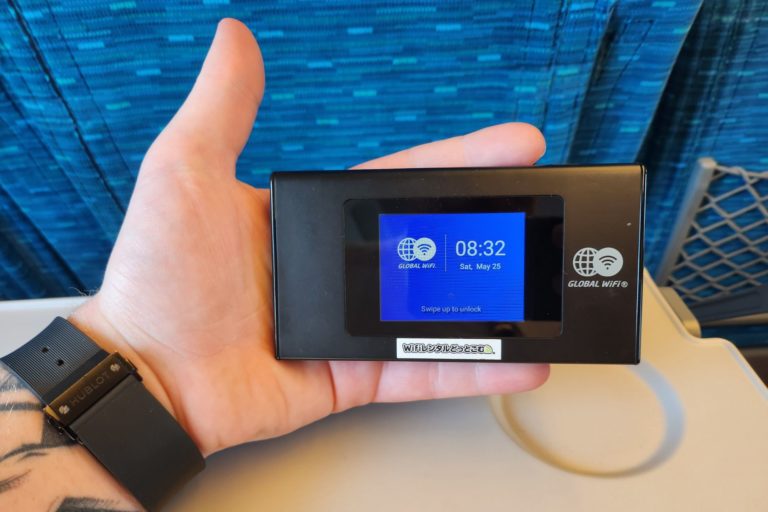
Visit your chosen pick-up location
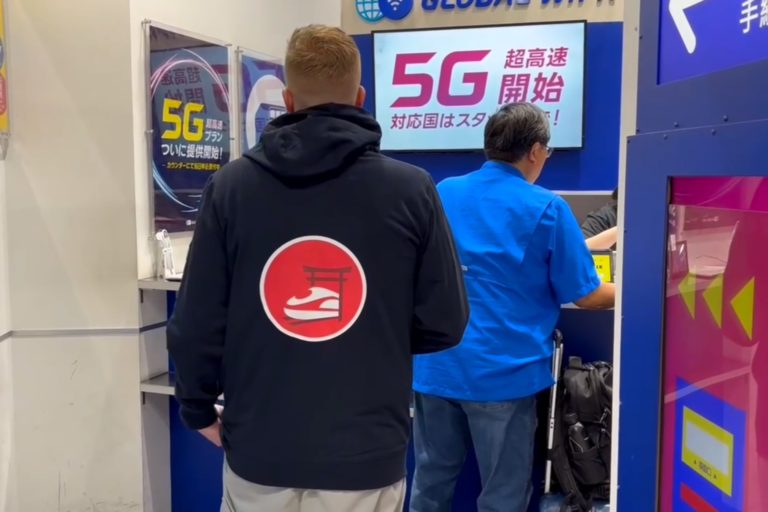
Head towards the desk at your pre-selected pick-up location (major airports like Haneda, Narita, Kansai) and talk to the staff. The queues are normally very short as it's a very fast pick-up process.
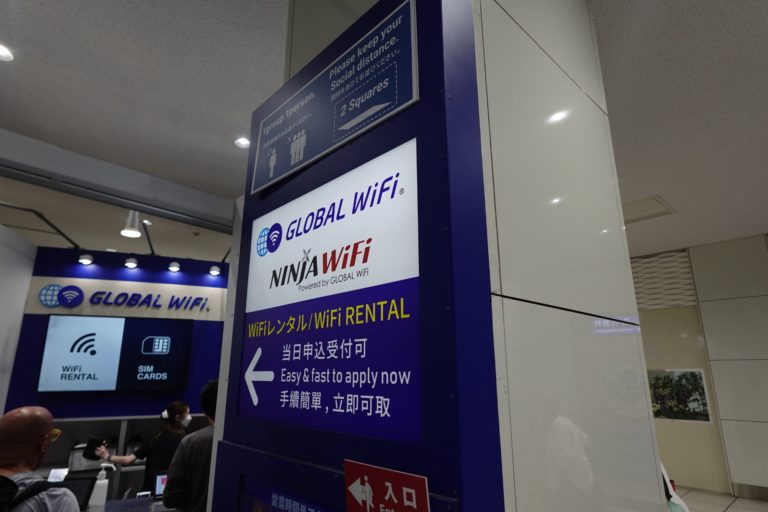
Collect your Pocket Internet
Your Pocket WiFi router will already be prepared and ready to be picked up when you land. The staff will show you how to connect your devices and how to get started, it's super easy!
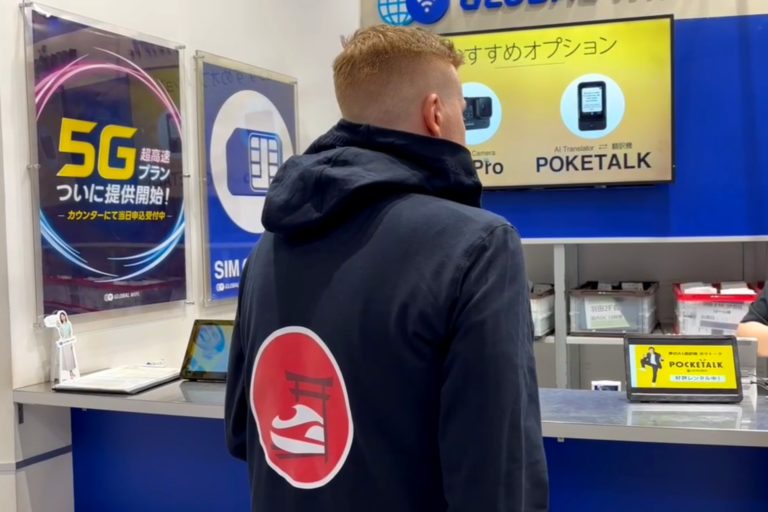
What's in the package?
Your Pocket WiFi Router from Ninja WiFi will come fully stocked with everything you need during your stay. The WiFi Router, a charger, documentation, a pouch if you've chosen to drop off at a convenience store or hotel, shipping label and much more.
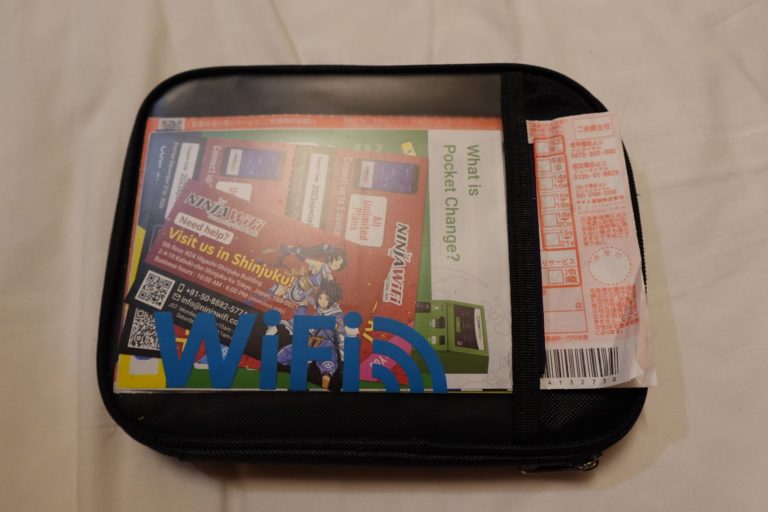
First look at the case
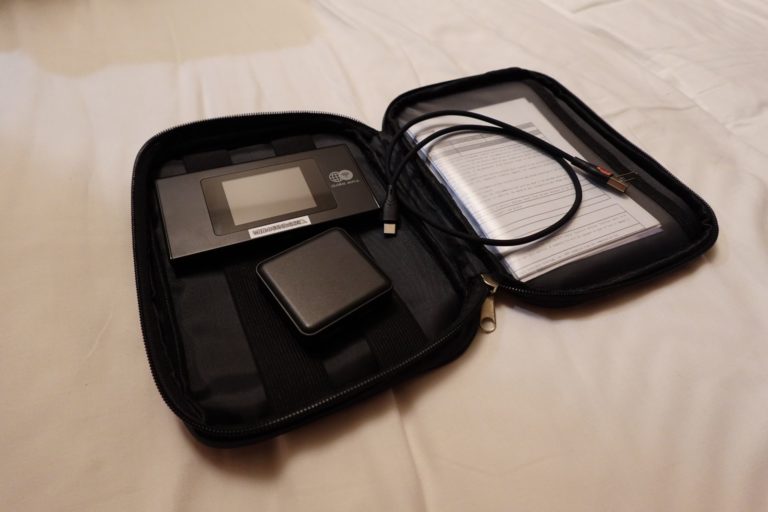
This is how your pocket WiFi is collected, covered in a soft case with all needed accessories and guides on how to use and connect devices.
Inside the case
Once opened you will find the Pocket WiFi router, your charger and cable as well as your order details and some folders with information and guides. You don't have to carry around the case during the day. The battery will be enough for the day, just bring the Pocket Router and you're good to go!
How can I return my router?
Ninja WiFi ijaraga olingan Pocket WiFi Router"ni qaytarishni juda oson qilgan. Siz uni aeroportdagi maxsus qaytarish qutisiga, do'konga, mehmonxona/hostelga yoki Shinjukudagi ularning ofisiga qoldirishingiz mumkin.
Aeroportda qaytarish
Hammasini g'ilofga solib, g'ilofni aeroportdagi qabul qilish joyi yonidagi pochta qutisiga o'xshash qutilarga soling. Uni shunchaki u yerga qoldiring, xodimlar bilan gaplashishingiz yoki router"ni qaytarish uchun navbatda turishingiz shart emas.
Mehmonxonalar yoki do'konlarda qaytarish
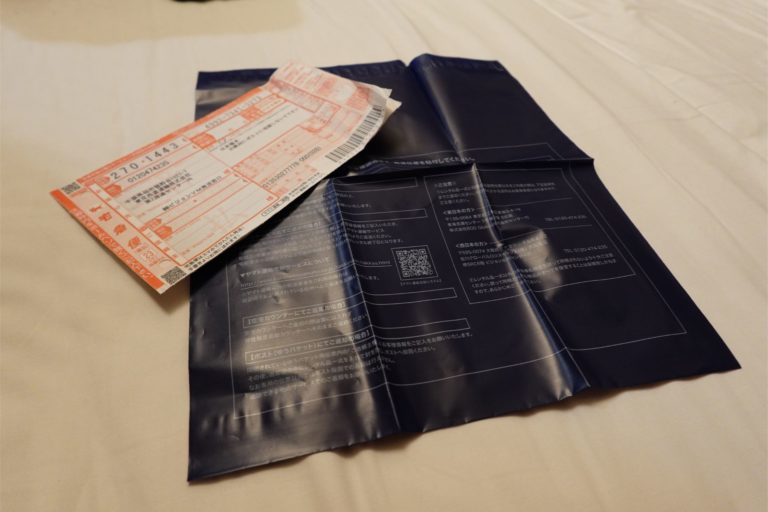
Yo'lda ekanligingizda Pocket router"ni istalgan Family Mart va 7-Eleven do'konida qaytarishingiz yoki mehmonxona/hostel orqali yuborishingiz mumkin. Ko'pgina mehmonxonalar bu xizmatni taklif qiladi va sizga shaklni to'ldirishga yordam beradi. Shunchaki hammasini g'ilofga solib, g'ilofni kiritilgan plastik paketga soling va muhrlang. Bu xizmat 550 JPY (soliqlarni hisobga olgan holda) turadi.

Shinjuku ofisida qaytarish
Ofis markazda joylashgan bo'lib, Kabukicho, Shinjuku"da joylashgan. Bu ofis bir kunlik rezervatsiya va qabul qilish xizmatini taklif qiladi (mehmonxona orqali yetkazib berish yoki aeroportda qabul qilish bilan bu imkoniyat mavjud emas). Ofis ish kunlari soat 10:00 dan 18:00 gacha ochiq. KDX Higashi Shinjuku Building 5F, 2-4-10 Kabuki-cho, Shinjuku-ku, Tokyo.
Pocket Router"ni qanday ishlataman?
Bu juda oson va siz bir necha soniya ichida ulansiz!
Displey ekranini yoqing
Qurilmaning yuqori qismida ekranni qulfdan chiqaradigan va ochadigan tugma mavjud. USB-C quvvatlash porti osongina va tez quvvatlash uchun qurilmaning pastki qismida joylashgan.
Pastdan yuqoriga suring
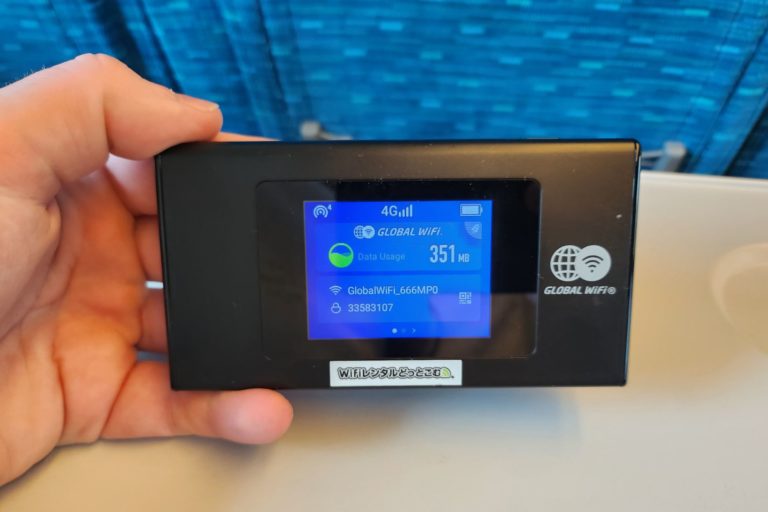
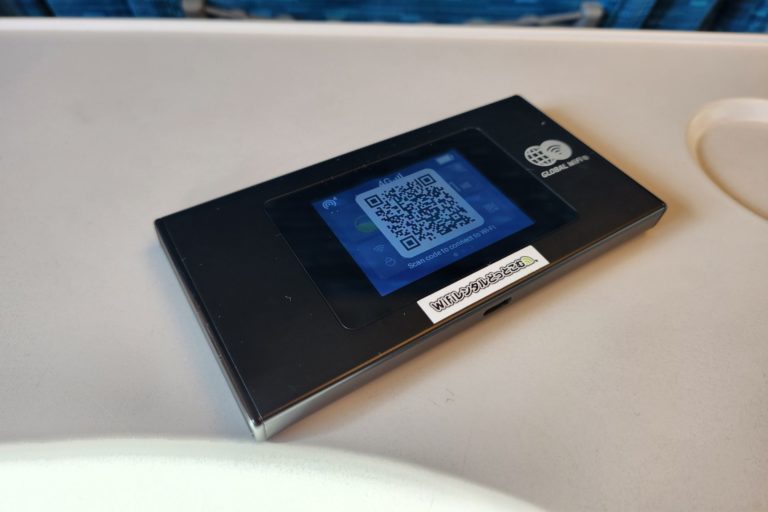
Ekran ochilgandan so'ng, qurilmani qulfdan chiqarish uchun pastdan surishingiz mumkin. Siz qancha ma'lumot ishlatganingizni, ulanish, batareya quvvati, router paroli, optimallashtirish dasturlari va boshqalar ko'rasiz. Juda oson ulanish uchun QR kodi ikonkasini bosing.
QR kodini skanerlang
Siz kodni shunchaki skanerlab, avtomatik ravishda ulanishingiz mumkin. Android foydalanuvchilari kamera yordamida skanerlashi mumkin, iPhone foydalanuvchilari sozlamalar > WiFi > QR kodiga kirib skanerlashi kerak bo'lishi mumkin. Shuningdek, siz ekranda ko'rsatilgan parol bilan odatdagidek ulanishingiz mumkin.
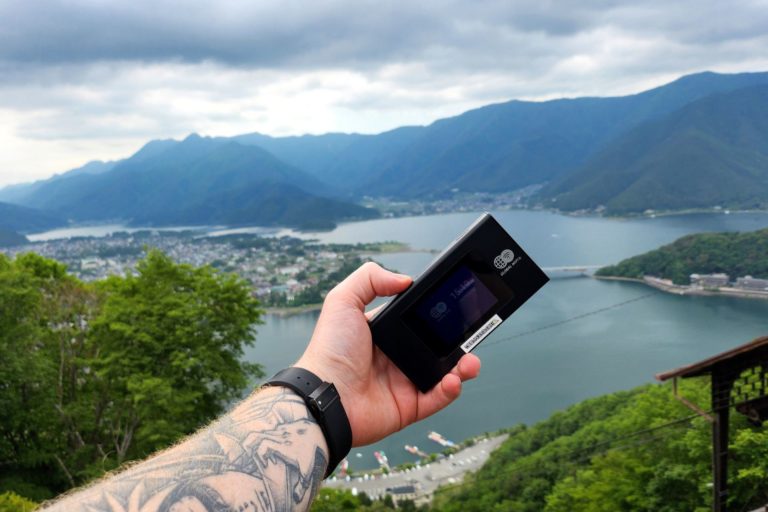
Sayohatingizda aloqada bo'ling
Siz ulanganingizdan so'ng, Yaponiya sizni kutmoqda va siz bu ajoyib mamlakatni kashf etishga tayyorsiz. Internetga kirish orqali siz rasmlaringizni do'stlaringiz va oilangiz bilan baham ko'rishingiz, Google Xaritalardan foydalanishingiz, jadvallarni va boshqa tegishli ilovalarni tekshirishingiz mumkin. Hech qanday cheklovlarsiz, xuddi uyingizdagidek internet va ijtimoiy tarmoqlarda sayr qilishingiz mumkin.
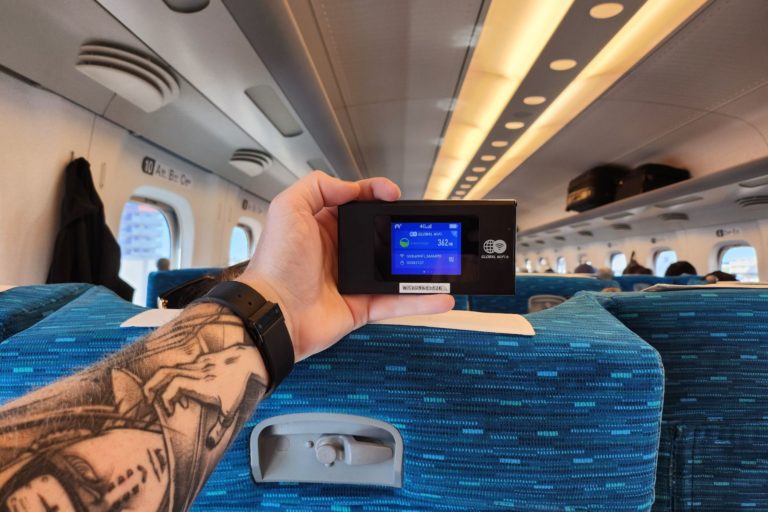
Shinkansenda foydalaning
Shinkansen tezyurar poyezdlaridagi bepul internet juda sekin ishlaydi. O'zingizning internetingiz bo'lsa, hech qanday uzilishlarsiz TikTok, YouTube, Netflix va boshqa ijtimoiy media platformalarini tomosha qilishingiz mumkin. Poyezddagi bepul Wi-Fi siz varaqlayotganingizda Instagram rasmlarini deyarli yuklay olmaydi.
Ready to order?
Get connected for your Japan adventure.